
Single-point connection to your VRF
A central VRF system already produces hundreds of data points — manufacturer service tools read more than 60 values from a single outdoor unit cycle packet. The problem is that this data stays locked inside the system. The PN Climate HVAC gateway connects to the bus once, reads the indoor units and opens the data to FiotX and your building automation at the same time.
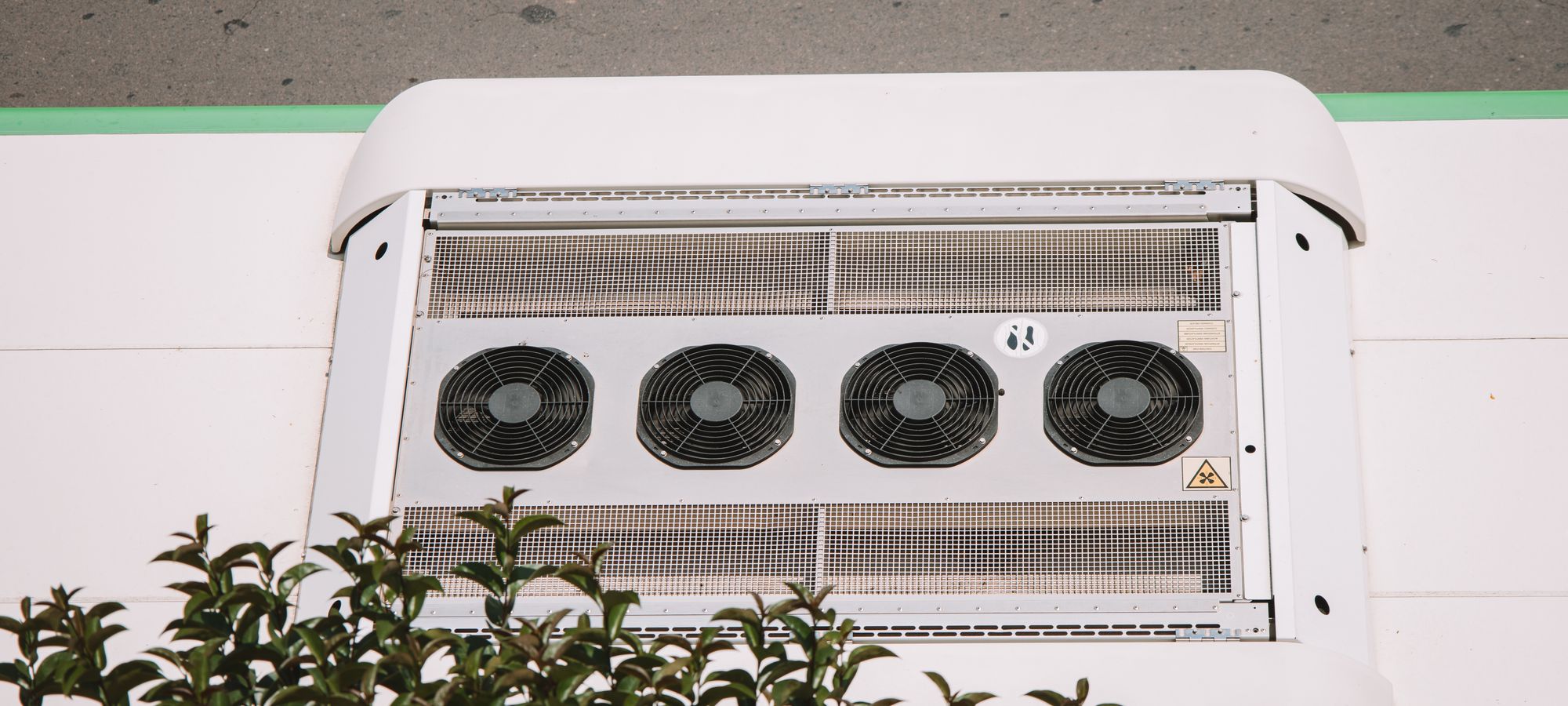
No device per indoor unit, no extra cabling.
The gateway connects to the VRF's own communication bus. Indoor units are untouched; the system is commissioned once.
- Planned to work alongside the existing central controller and BMS.
- Data opens to both the BMS (Modbus, BACnet) and FiotX.
- Building-wide schedules, setpoint limits and empty-zone rules can be defined.
- Fault codes are monitored centrally; the maintenance team arrives informed.
| PN Climate HVAC · summary | |
|---|---|
| Access | The whole system from a single connection point |
| Coverage | Data points determined by brand and model |
| Read | Room and set temperature, mode, fan, status, fault code |
| Write | Per-unit setpoint, mode and lock (on compatible series) |
| Building automation | Modbus and BACnet |
| Remote link | Ethernet or cellular |
| Platform | FiotX web and mobile |
We verify compatibility system by system.
In the VRF world a brand name alone doesn't define the communication bus: the same brand may use different buses across series, and some brands build on other manufacturers' platforms. That's why we never say "compatible with all brands" — we state the supported points for each system in writing.
System details
Brand, series, outdoor unit model, indoor unit count, any central controller and BMS.
Desk assessment
Bus type and the points that can be read and written on that series.
On-site read test
Connecting to the live bus and comparing values against the units and controller.
Write verification
Confirming setpoint, mode and lock commands are applied by the unit.
If a series doesn't expose certain values, the screen says "not assessable". Treating missing data as zero or "healthy" would make a faulty unit look fine — we don't do that.
One gateway, three audiences
Building operations
Unit status, schedules and setpoint limits; after-hours running and fault codes on one screen.
BMS integrators
VRF data into the existing automation over Modbus and BACnet; cloud access on top. Building management
Maintenance teams
Fault codes and run history; what to check before travelling to site.
Worth knowing
Around AC and VRF, we also do all of this.
Describe your system; we'll check compatibility.
Brand, series, outdoor unit model and indoor unit count are enough for a first assessment.